
 HaZeM Design team
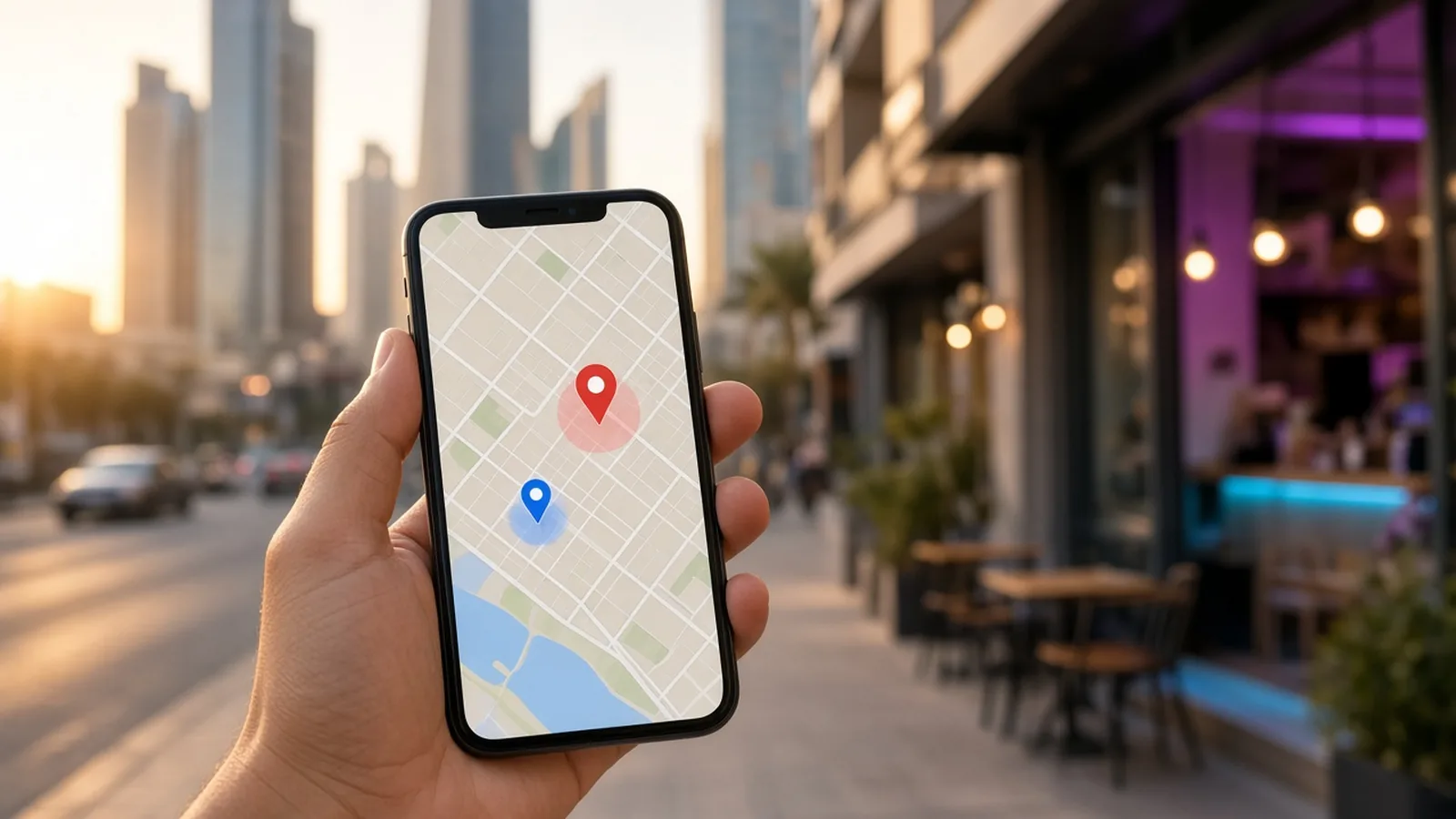
When someone searches “cafe near me”, “dentist Salmiya” or “flower shop Hawalli”, Google usually shows a map with a handful of businesses before the regular results. Being in that map pack can bring calls, WhatsApp messages and visits without paying for ads. That is the job of local SEO in Kuwait, and the centre of it is your free Google Business Profile.
This guide walks through how to set it up properly, how to keep it strong, and how your website supports it.
Why Local SEO Matters So Much in Kuwait
Kuwait is compact and people move between areas easily, but they still prefer convenient options. A lot of searches, especially on mobile, have local intent even when the area is not typed. Google uses your location to decide what to show. If you have a physical location, or you serve specific areas, local SEO helps you:
- Appear on Google Maps and in the local results pack.
- Get direct calls, direction requests, and website visits.
- Build trust through reviews and photos.
- Compete with bigger brands in your immediate area.
Step 1: Claim and Verify Your Google Business Profile
Go to Google Business Profile and search for your business. If it exists, claim it; if not, create it. Google will ask you to verify that you are the owner. Verification methods vary and may include a phone call, email, video, or postcard, depending on what Google offers for your listing.
Storefront or service-area business?
- If customers visit you (a shop, clinic, restaurant, salon), show your address.
- If you go to customers or work online (delivery, home services, freelancers), you can hide your address and set service areas, such as governorates or cities.
Step 2: Complete Every Section

A complete profile tends to perform better than a half-empty one. Fill in:
- Business name: your real name, exactly as on your signage and licence. Do not stuff keywords like “Best Web Design Kuwait” into the name; it can get the listing suspended.
- Primary category: the most specific accurate category. This is one of the strongest local ranking factors.
- Secondary categories: add relevant ones, but do not overdo it.
- Address or service areas.
- Phone number: ideally a local number that you also use on your website.
- Website link: point to the most relevant page, such as a branch page for multi-location businesses.
- Opening hours: including special hours for Ramadan and public holidays.
- Description: a clear, natural paragraph about what you do and who you serve, in your main language.
- Products or services: list them with short descriptions and, if you like, prices.
- Attributes: features such as parking, wheelchair access, or delivery, where available.
Step 3: Add Real Photos Regularly
Photos help people decide. Upload your storefront, interior, team at work (without close-ups if you prefer), products, and finished projects. Use clear, well-lit images. Adding fresh photos regularly keeps the profile active and attractive.
Step 4: Build a Steady Flow of Reviews
Reviews influence both rankings and decisions.
- Ask at the right moment: right after a successful delivery or visit.
- Make it easy: share your direct review link by WhatsApp or a QR code at the counter.
- Reply to every review, positive or negative, politely and professionally, in the language the customer used.
- Never buy fake reviews or offer rewards in exchange for positive ones. This violates Google’s policies and can damage your listing.
Want your business to show up on the first page of Google in Kuwait and the Gulf?
Step 5: Keep NAP Consistent Everywhere

NAP means Name, Address, Phone. Google cross-checks your details across the web. Make sure they match exactly on:
- Your website (footer and contact page).
- Google Business Profile.
- Instagram, Facebook, TikTok and LinkedIn profiles.
- Local directories and delivery apps.
- WhatsApp Business profile.
Even small differences, such as different phone numbers or branch names, can create confusion.
Step 6: Make Your Website Support Local SEO
Your profile and website work together:
- Show your address, phone, and a Google Map on the contact page.
- Add LocalBusiness schema with your name, address, phone, hours, and areas served.
- For multiple branches, create a separate page per branch, for example Salmiya, Jahra, or Ahmadi, with unique content and directions.
- If you serve specific areas without a shop, you can create genuinely helpful area pages, but avoid copy-paste pages that only change the area name.
- Make the WhatsApp and call buttons visible on mobile. Learn more in using WhatsApp in your sales funnel.
Step 7: Use Posts, Q&A, and Messaging Features
Google Business Profile lets you publish updates, offers, and events. Use them for new products, seasonal offers, or announcements. Monitor questions people ask on your profile and answer them clearly. Features change over time, so check what is currently available in your dashboard.
Local SEO by Industry
- Restaurants and cafes: menu link, photos of dishes, accurate hours, and delivery links.
- Clinics: clear services, doctor or department information, booking link, and parking details.
- Real estate: office location, areas covered, and links to listings.
- Home services: service areas, response times, and before/after photos.
For more industry-specific website tips, see restaurant, clinic and real estate websites in Kuwait.
Common Local SEO Mistakes
- Creating duplicate profiles for the same location.
- Using a virtual office or fake address to appear in a different area.
- Not updating hours during Ramadan, Eid, or national holidays.
- Ignoring negative reviews or replying angrily.
- Linking the profile to a slow, non-mobile-friendly website.
How Local SEO Fits Into Your Wider SEO
Local SEO is one part of a full strategy. Your website still needs technical health, strong service pages, and helpful content. If you are starting from zero, read the broader SEO guide for Kuwaiti businesses.
Frequently Asked Questions
Is Google Business Profile free in Kuwait?
Yes, creating and managing a Google Business Profile is free. You only pay if you choose to run Google Ads alongside it.
Can I create a Google Business Profile without a shop?
Yes. Service-area businesses can hide their address and list the areas they serve, as long as they meet Google’s guidelines, such as serving customers in person.
How do I get more Google reviews?
Ask satisfied customers right after a good experience, send them your direct review link by WhatsApp, and reply to every review. Do not offer incentives for reviews or post fake ones.
How long does it take to rank on Google Maps?
It varies with competition and how complete your profile is. Some businesses see improvements within weeks after optimising, while competitive categories in busy areas take longer.
Should my profile be in Arabic or English?
Use the language most of your customers use, and make sure the business name matches your signage. Reviews and replies can be in either language.
Need Help Getting Found Locally?
We help Kuwaiti businesses set up and optimise their Google Business Profile, connect it to a fast, local-SEO-ready website, and build a simple review routine. Send us your business name on WhatsApp at +965 50647346 and we will check your current local presence and suggest improvements. You can also see our SEO services or reach us via the contact page.
We serve businesses across Kuwait and the GCC — see also: Web design in Salmiya, all areas we serve.