
 HaZeM Design team
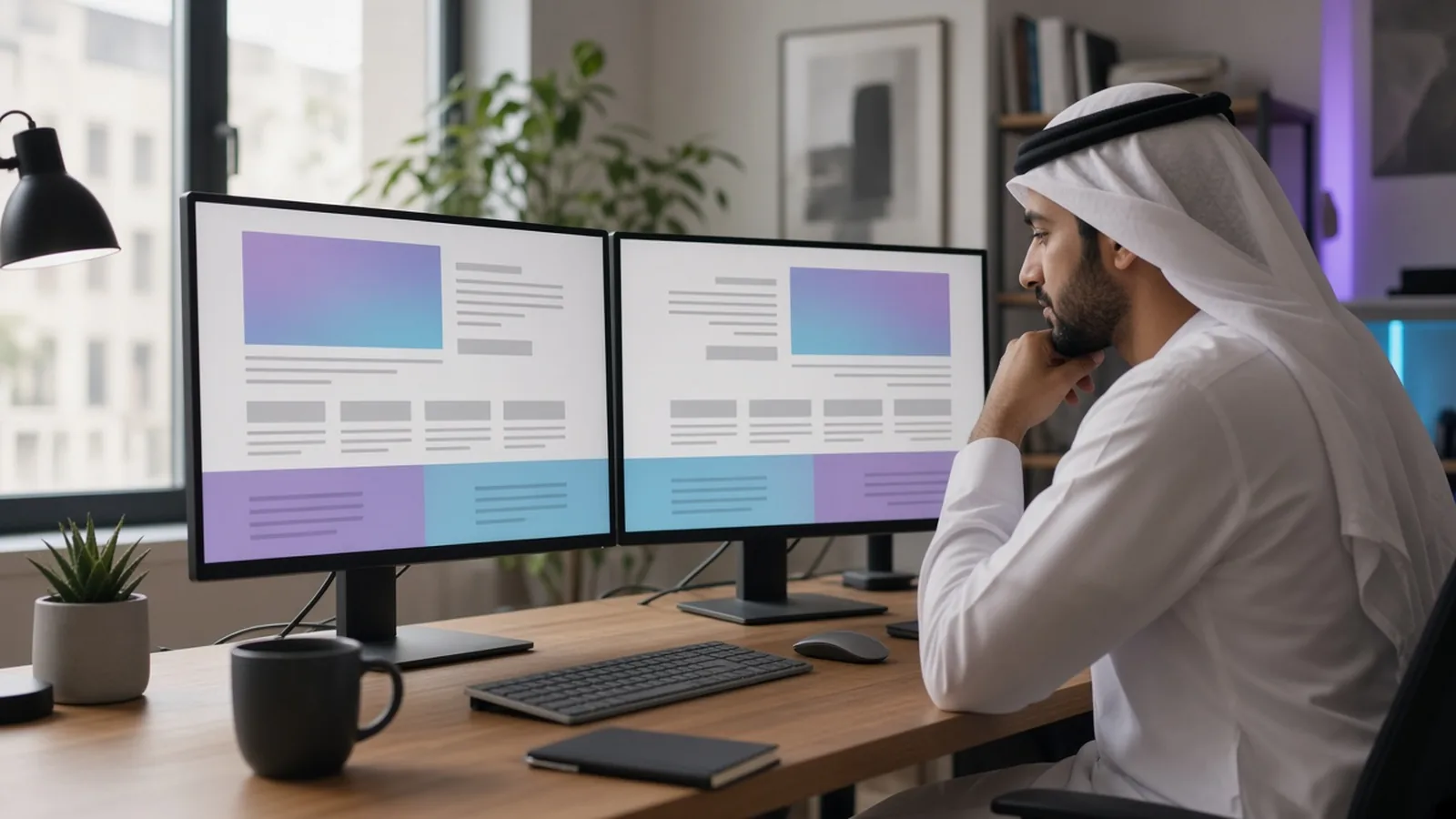
In Kuwait and across the Gulf, many customers switch between Arabic and English several times a day. A bilingual Arabic English website lets you speak to both audiences, but only if each version feels native. Too many sites simply flip the English layout and paste in translated text, which leads to broken alignment, awkward fonts, and Arabic copy that sounds machine-made. This guide covers the practices that make a bilingual site look professional and perform well in search.
Decide on Your Language Strategy First
Before design starts, answer three questions:
- Which language is the default? For businesses targeting Kuwaiti and Gulf nationals, Arabic is often the primary language. For B2B or expatriate-focused services, English may lead. Your analytics and customer base should guide this.
- Will both languages have the same content? Ideally yes for core pages, but some content (local offers, blog posts) may be language-specific.
- How will URLs work? Common structures include subfolders (/en/ for English, root for Arabic) or subdomains. Subfolders are usually simpler to manage and keep authority on one domain.
RTL Is More Than Flipping the Page
Arabic reads right to left, so the whole interface needs to mirror logically, not just the text.
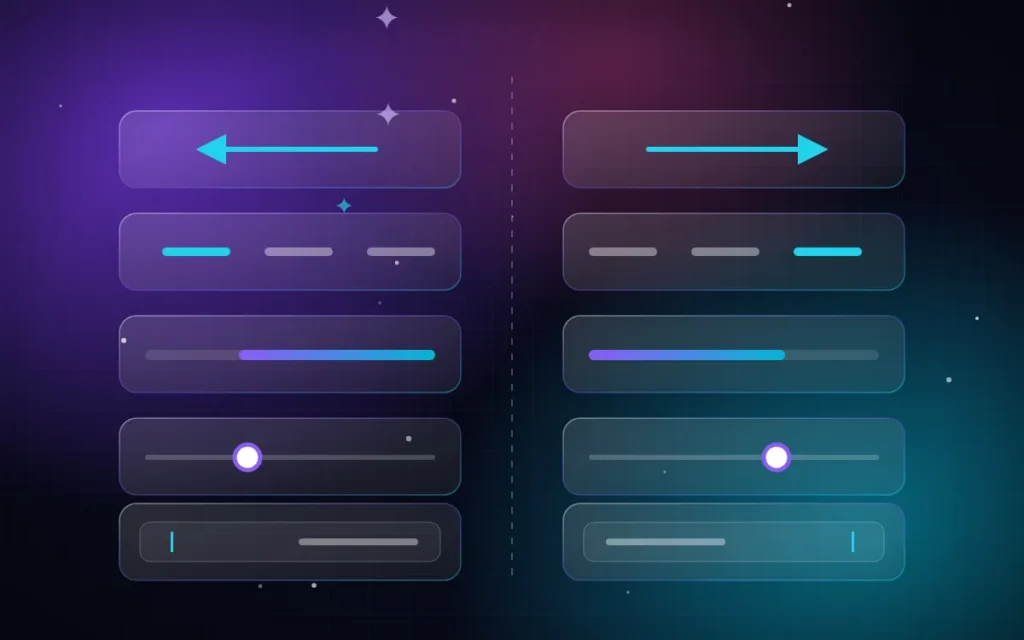
What should mirror
- Navigation order and logo position.
- Text alignment and reading flow.
- Arrows for “next” and “back”, breadcrumbs, and pagination.
- Sliders and carousels direction.
- Progress indicators and step forms.
- Icons that imply direction, such as a “send” arrow.
What should not mirror
- Logos and brand marks.
- Media controls such as play buttons.
- Numbers, phone numbers, prices, and codes. These should stay left-to-right within Arabic text.
- Clocks, charts with time axes, and images of real objects.
- Universal icons like a checkmark or search magnifier, usually.
Technical notes for developers
- Set
lang="ar"anddir="rtl"on the Arabic pages’ html element. - Use CSS logical properties (margin-inline-start, padding-inline-end) so one stylesheet works in both directions.
- Test mixed content: English brand names or product codes inside Arabic sentences can reorder unexpectedly without proper handling.
Choose Arabic Fonts Carefully

Typography makes or breaks the Arabic experience.
- Choose a font designed for screens. Many modern Arabic web fonts are clean, legible, and available in several weights.
- Pair fonts intentionally. The Arabic and English fonts should feel related in weight and personality.
- Adjust sizes and line height. Arabic glyphs often need a slightly larger size and more line height than Latin text to stay readable.
- Avoid fake bold and letter spacing. Adding letter spacing breaks Arabic connected letters.
- Self-host and subset fonts to keep the site fast.
Need a fast, bilingual, professional website for your business in Kuwait?
Write, Do Not Just Translate
A literal translation rarely works. Good bilingual copy:
- Uses natural, clear Modern Standard Arabic with a tone that suits Gulf audiences.
- Adapts examples, idioms, and calls-to-action to each culture.
- Keeps important terms consistent, such as service names.
- Is reviewed by a native speaker before launch.
Sometimes Arabic headings need to be shorter or longer than English ones. Designs should allow for flexible text lengths without breaking.
Language Switcher Best Practices
- Place the switcher in a consistent, visible spot, usually the header.
- Label languages in their own script: “العربية” and “English”. Avoid flags; languages are not countries.
- Switching should take the user to the same page in the other language, not the homepage.
- Remember the user’s choice for future visits where appropriate.
Forms, Numbers, and Local Details
- Phone fields should accept Kuwaiti and GCC formats and stay LTR.
- Decide whether to show Western Arabic numerals (1, 2, 3) or Eastern Arabic numerals (١، ٢، ٣) and be consistent. Many Gulf businesses use Western numerals online for clarity.
- Error messages must be translated too, not left in English.
- Address fields should reflect local structure (area, block, street, avenue, house).
Common Bilingual Website Mistakes
- Arabic as an afterthought. The site is designed in English, and Arabic is squeezed in at the end, so buttons overflow and headings wrap awkwardly.
- Half-translated pages. The menu is in Arabic, but the footer, forms, and cookie notice are still in English.
- Images with English text used on the Arabic version without alternatives.
- One shared meta title for both languages, so one version never ranks properly.
- Mixing numeral styles on the same page, such as prices in Western numerals and dates in Eastern ones.
- Ignoring emails and notifications. Order confirmations and form replies arrive in the wrong language.
A Practical Content Workflow
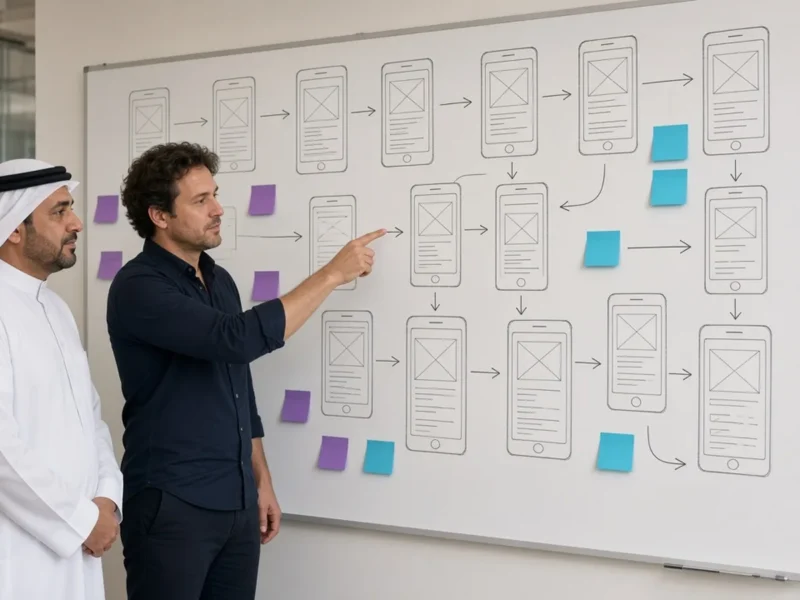
Plan both languages from the wireframe stage. Write the main copy in the primary language, then adapt (not translate) it for the second one, review both with native speakers, and only then finalise the design. This avoids redesigns caused by text that does not fit.
Bilingual SEO Essentials
- Each language version needs its own title tag, meta description, and headings.
- Use hreflang tags so Google shows the correct version to each user, plus an x-default where helpful.
- Keep separate, crawlable URLs for each language; do not switch language only with JavaScript or cookies.
- Translate image alt text and structured data.
- Do keyword research separately for Arabic and English. People do not search with direct translations. More in the SEO guide for Kuwaiti businesses.
WordPress Tools for Bilingual Sites
WordPress handles bilingual sites well with plugins such as Polylang or WPML, combined with a theme that supports RTL properly. The key is choosing a theme and page builder tested in RTL, not just “RTL compatible” on paper. WooCommerce stores also need translated product data, emails, and checkout messages.
Test on Real Devices
Most Gulf visitors use phones, so test both versions on mobile first. Check menus, forms, sliders, and checkout in Arabic specifically; that is where most bugs hide. See mobile-first design for Kuwaiti businesses.
Quick Bilingual Quality Checklist
- Arabic layout mirrors correctly; logos and numbers do not.
- Fonts are readable and paired well.
- Every page, button, form message, and email is translated.
- The language switcher goes to the equivalent page.
- hreflang and separate metadata are in place.
- Mixed Arabic/English text displays correctly.
If you want to understand the UX principles behind these decisions, read UI/UX basics for business owners.
Frequently Asked Questions
Should my website be in Arabic, English, or both?
If your customers include Arabic and English speakers, both is usually best. Choose the default language based on your main audience, and make sure both versions are complete and properly optimised.
Is a bilingual website bad for SEO?
No. When set up correctly with separate URLs, hreflang tags, and unique metadata, a bilingual site can rank in both languages and reach a wider audience.
Can I use automatic translation for the Arabic version?
It is not recommended for main pages. Machine translation often sounds unnatural and can damage trust. Use it only as a draft, then have a native speaker edit it.
Which numerals should I use on an Arabic website?
Both are acceptable. Many Gulf websites use Western numerals (1, 2, 3) for clarity, especially for prices and phone numbers. The key is consistency across the site.
Build a Website That Speaks Both Languages Naturally
We design and build Arabic/English websites with proper RTL layouts, carefully paired fonts, and bilingual SEO for businesses in Kuwait and the GCC. Send us a WhatsApp message at +965 50647346 with your current site or idea, and we will suggest the best bilingual structure. You can also explore our services and portfolio.
We serve businesses across Kuwait and the GCC — see also: Web design in Kuwait City, Web design in UAE, all areas we serve.